 farmharder
Support is now a chat
Ask about the bot or your subscription right on the site — the reply comes to the same chat.
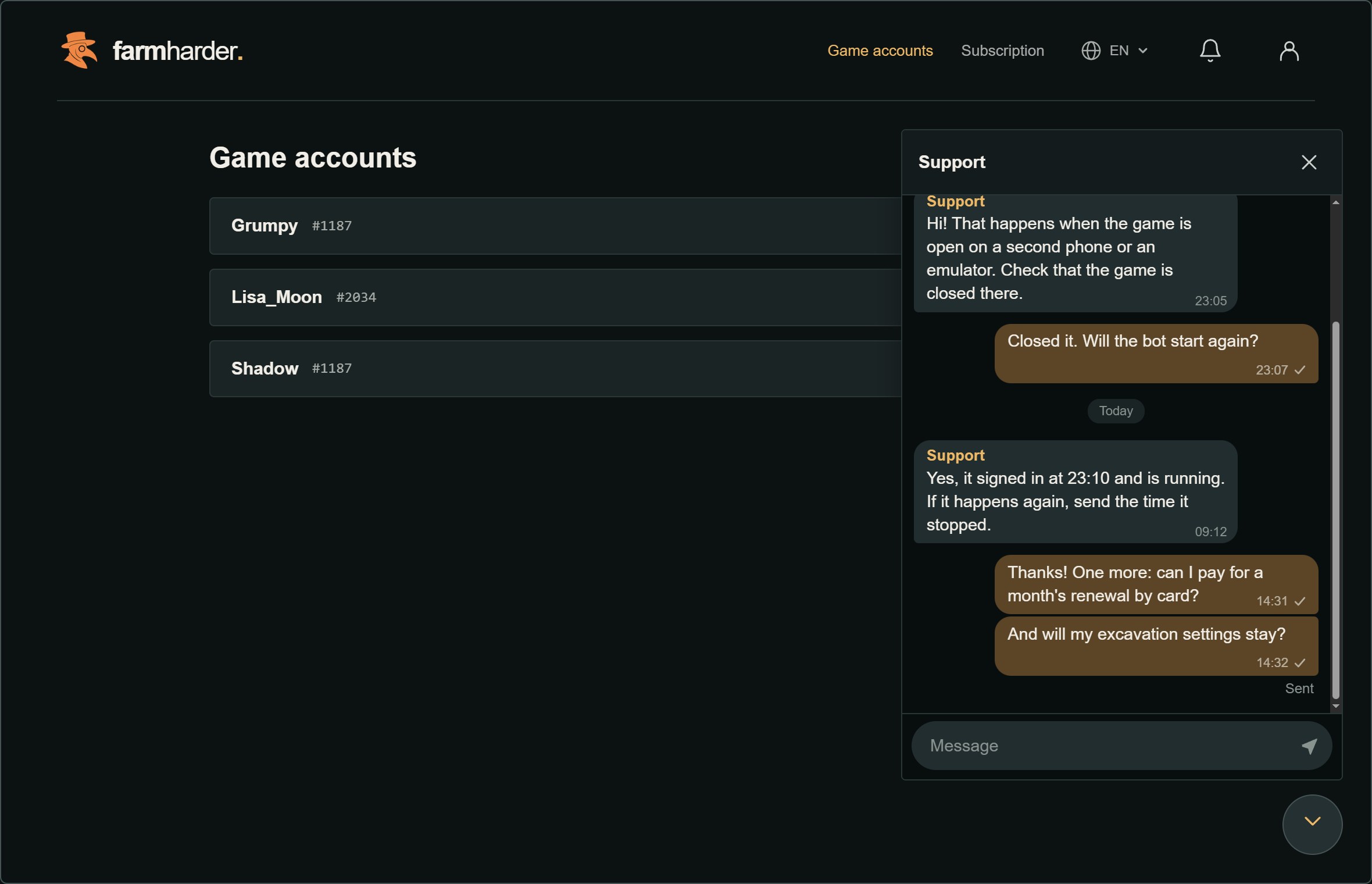
There is a support button in the bottom-right corner of every page once you are signed in. Press it, write your question, and the reply comes to the same chat — no email, no waiting for a letter.
What you can send
- Text up to 4000 characters.
- A picture — JPEG, PNG or WebP up to 10 MB, with a caption. A screenshot of the game usually saves a round of questions.
How you know it arrived
Under your last message you see Sent once it reached us. If it did not, the chat says so and retries by itself.
When a reply comes while the chat is closed, a dot appears on the button. On a phone the chat opens full screen, and Back closes it.
When your question is resolved, the request is closed. Press New request to ask something else.